 Try the Demo
ForWho
#Architects
#VFX
#Designers
#Advertising
#Fashion
#Talent management
#Freelancers
#Video editors
#Music artists









 Try the Demo
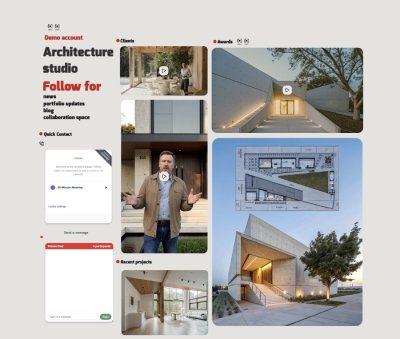
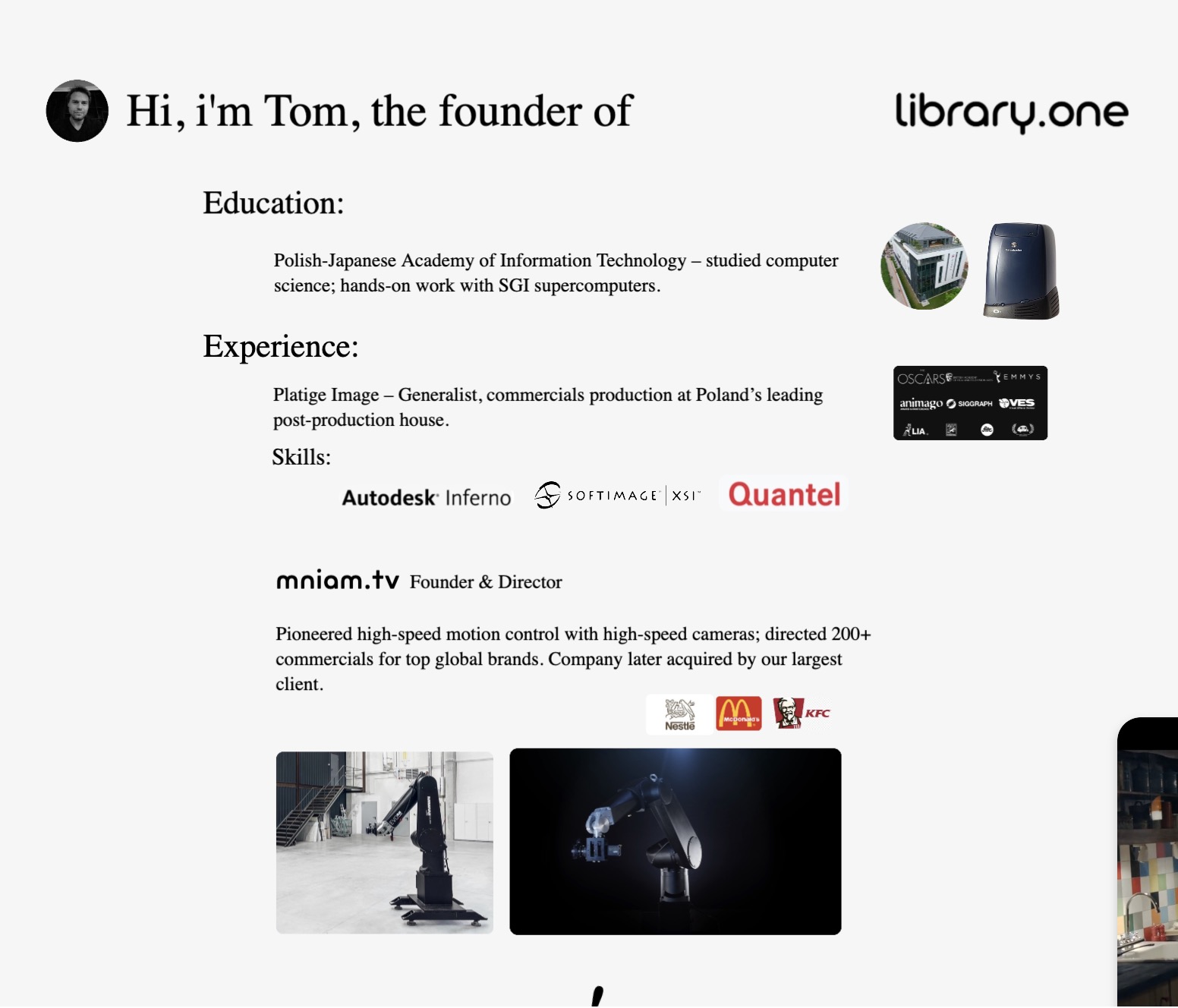
An artist’s profile on the Social Media / Content aggregator app Library.one
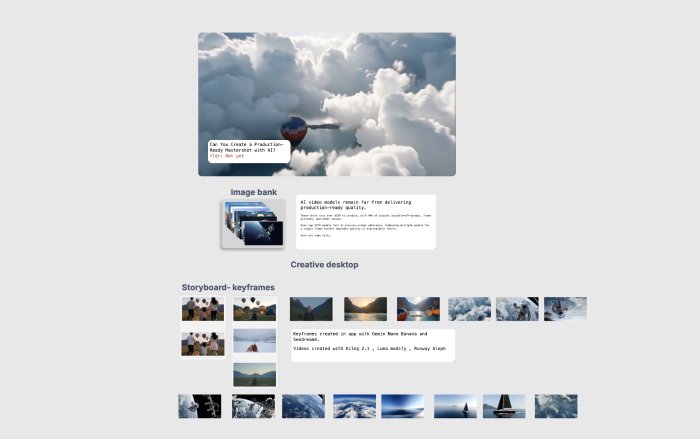
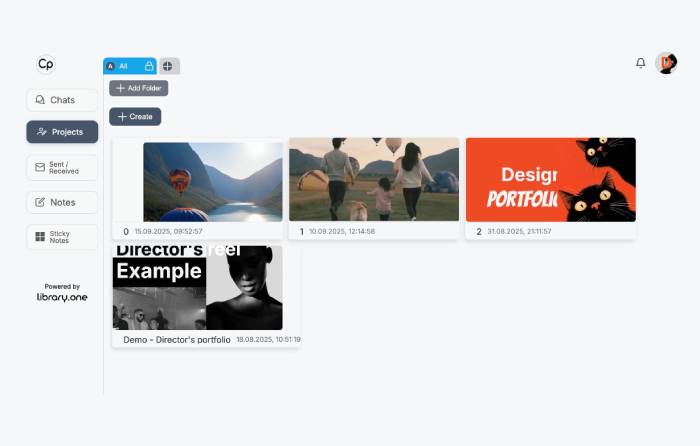
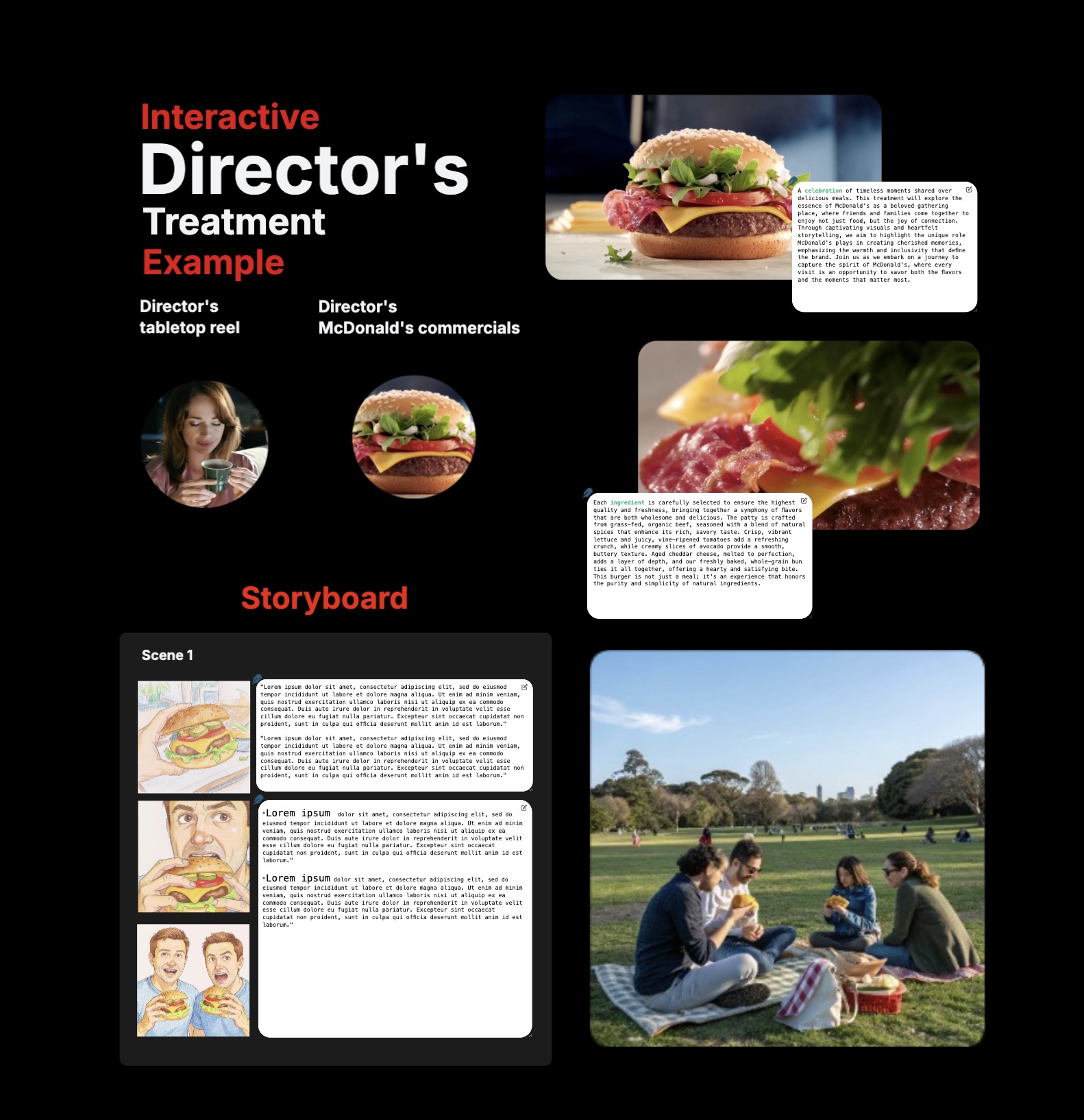
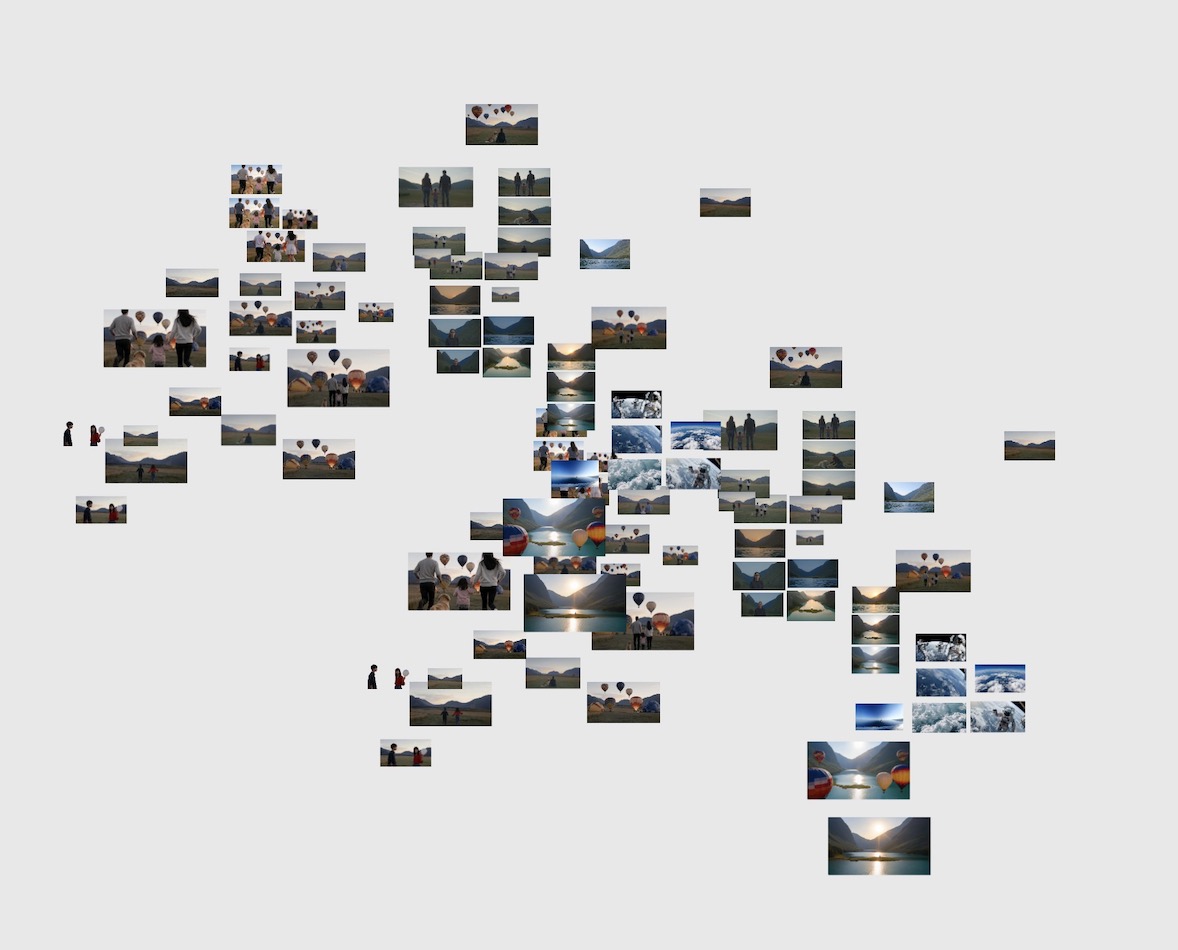
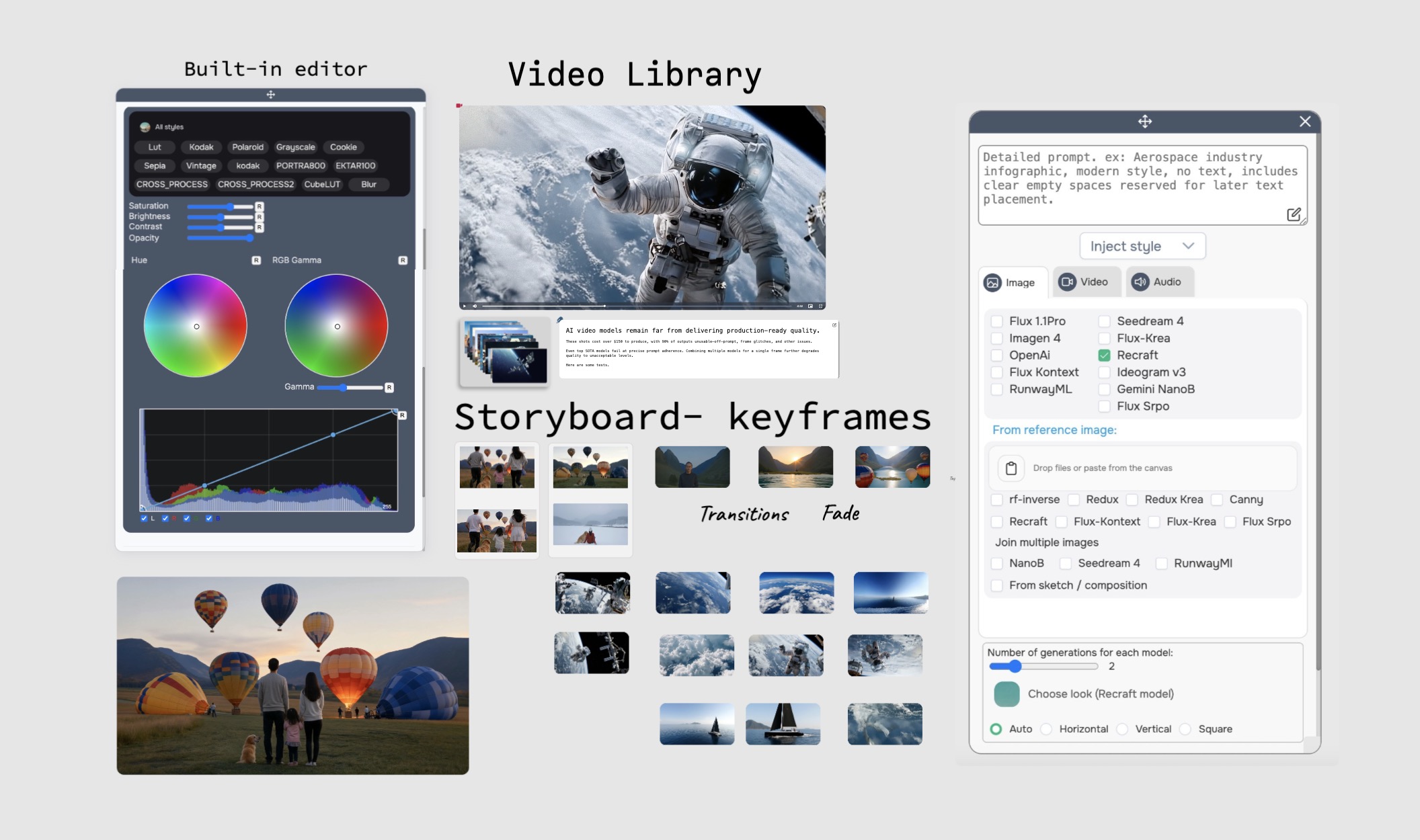
Creative Desktop is an infinite canvas platform designed specifically for creative industries. Build stunning portfolios, create professional CVs, organize media libraries, showcase projects, and collaborate seamlessly with teams and clients. Like social media meets content aggregation - all in one creative space.
Unlimited creative space to design, organize, and present your work exactly as you envision it. No templates, no restrictions - just pure creative freedom.
Share files, videos, and images seamlessly. Support for all file types with version control and secure storage.
Connect with YouTube, Vimeo, Google Sheets, Calendly, calendars, task management, Notion, and Airtable for a complete workflow solution.
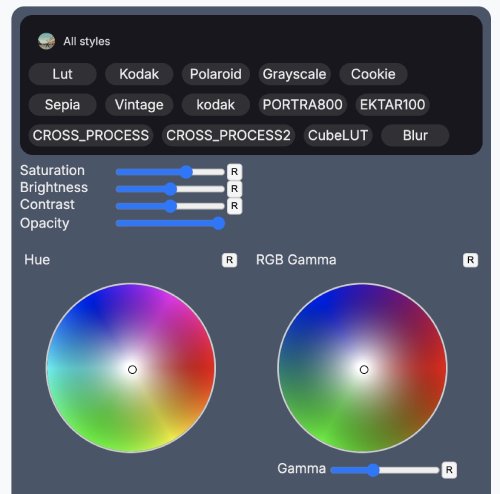
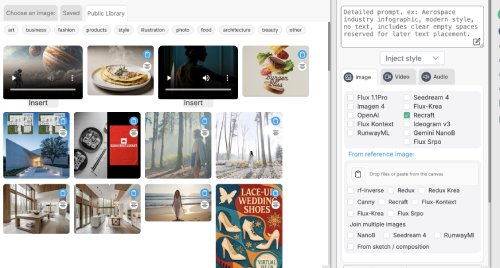
Create unlimited projects. Only pay when you use our generative AI tools for enhanced presentations and content creation.
Per AI generation
🎉 No hidden fees • No monthly subscriptions • No credit card required
Get Started FreeInsights and stories from my photography journey, showcasing my creative process and recent projects.
The infinite canvas lets me showcase my work exactly how I envision it. No templates, just pure creative freedom.

@Freelance Designer
Our creative team can finally organize projects in a tree structure while collaborating in real-time. It's like social media meets professional content management.

@Creative Studio Director
Created an interactive CV and media library that impressed every client. The infinite canvas approach is revolutionary for creative professionals.

@Video Content Creator
Let us know how we can assist
Sign up for free at library.one and start building your infinite canvas workspace immediately. Create portfolios, CVs, and project showcases with our tree-based content organization system.
Absolutely! Invite team members and clients to collaborate in real-time. Share projects, get feedback, and manage creative workflows all within your infinite canvas workspace.
It's an infinite canvas designed specifically for creative industries - like social media meets content aggregation. Organize content in a tree structure, collaborate in real-time, and showcase work without template limitations.
Yes! Creative Desktop is completely free. You only pay for optional AI-powered features when you choose to use them. No hidden costs, no monthly subscriptions.
Yes! Our team provides continuous support for integration issues, updates, and platform changes. You're never alone in maintaining your Creative Desktop.
Step 1: Create HTML file with iframe
Create an HTML file that embeds your Creative Desktop using an iframe. This allows your Creative Desktop to appear seamlessly on your custom domain.
Step 2: Set up subdomain or domain forwarding
Point your subdomain (like portfolio.yoursite.com) to the HTML file you created, or use domain forwarding with masking.
GoDaddy: Domain Manager → Forwarding → Add Forward → Enable "Forward with masking" → Point to your library.one portal URL.
Cloudflare: DNS → Add CNAME record → Proxy enabled (orange cloud) → Page Rules for forwarding.
Webflow: Site Settings → Custom Domain → 301 Redirect Setup → Enable domain masking.
Our team provides step-by-step guidance for any platform!